The Following Steps will help you to use Angular JS in MS Dynamic CRM.
Step 1: Download the angular js lib. from Here.
Step 2: Upload this lib. in CRM as a Web resource like this:

Step 2: Create HTML file and Write the angular js code in it. Here i write very simple code.


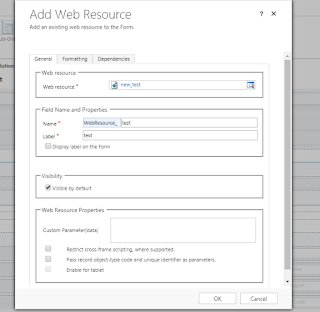
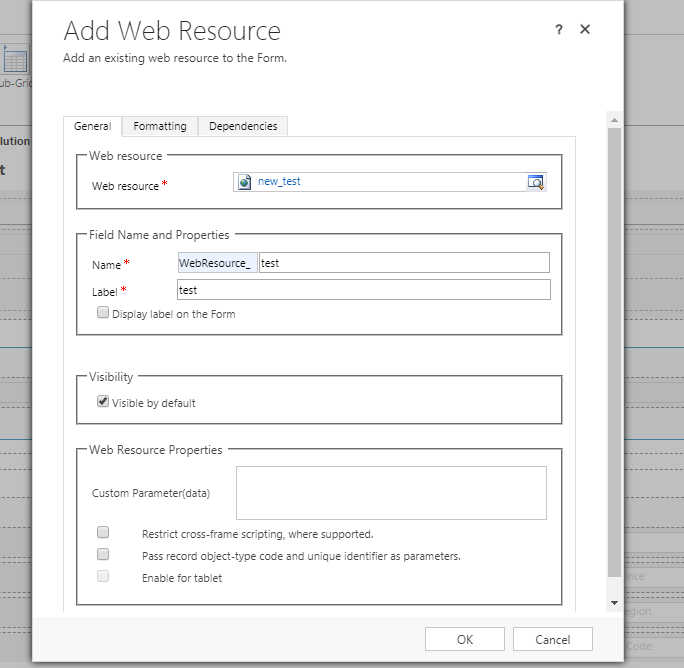
Step 3: Create HTML Web Resource in your Dynamic CRM and Upload the file that you have created in the last step, as show in below Image.


Step 4: Now apply this Web Resource on any Entity form. Here i applied this on Account Entity.
Step 5: Now reload the page and see the page on which web resource is applied.
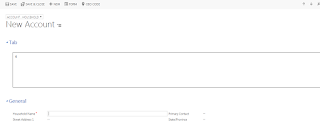
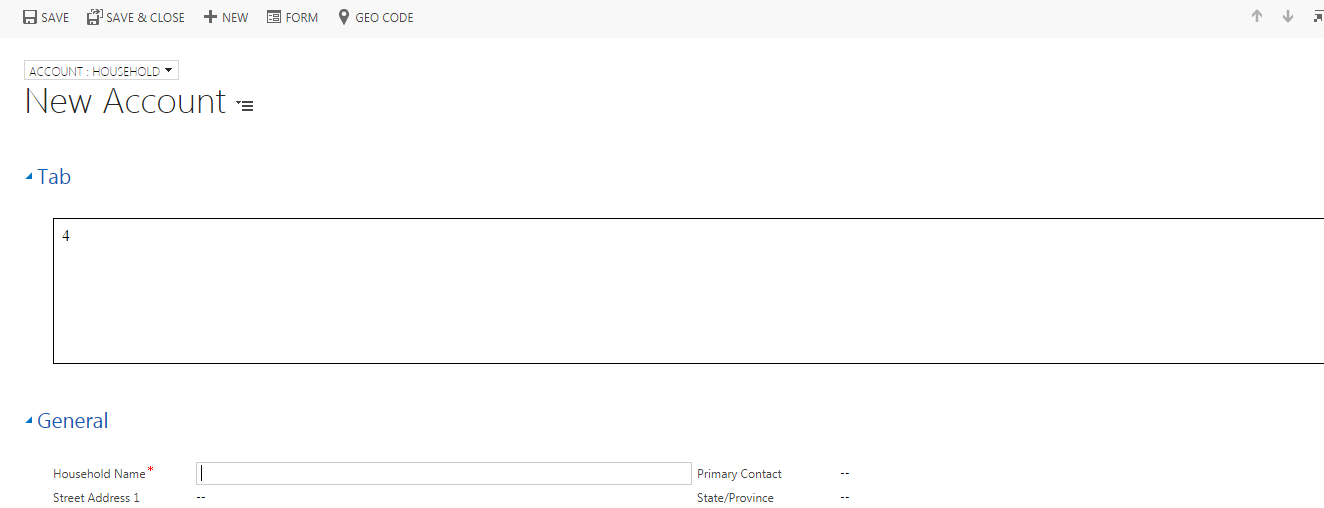
Wow... thats work fine...Here i write very simple Angular js code. We can also write complicated code..
Step 5: Now reload the page and see the page on which web resource is applied.

3 comments:
nice informative post. Thanks you for sharing.
AngularJS Development
Nice Blog.. thanks for sharing wonderful article.
What is CRM
Customer Lifecycle Management
Enterprise CRM Software
CRM
lead Generator Tool
Excellent post! I appreciate how this article clearly explains the process—it’s a great resource for anyone aiming to streamline workflows and improve performance within Dynamics CRM. While AngularJS integration is powerful, businesses exploring other CRM platforms can also benefit from working with a certified Zoho CRM consulting partner to customize and optimize their CRM solutions. Thanks for sharing such a practical and insightful guide for CRM developers and tech professionals!
Post a Comment